Learning Fusion: First Project
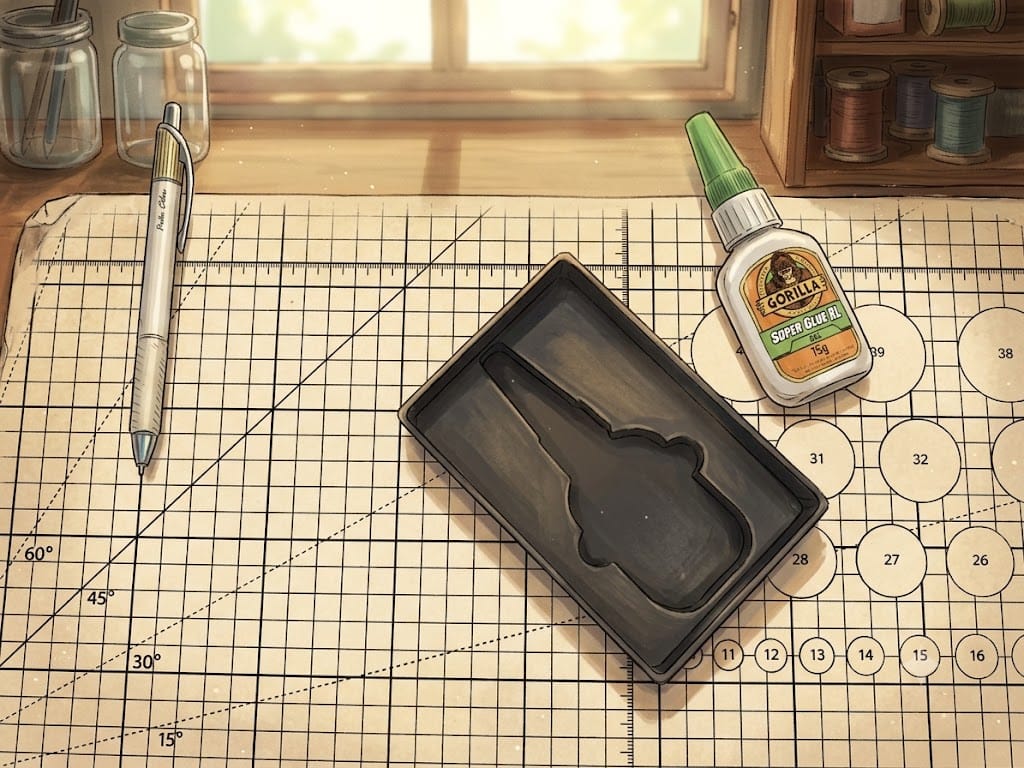
I’m admittedly late to the 3D printing game, which in itself is a blessing. There are tons of high-quality prints available. If you’re new, you can see for yourself on sites like MakerWorld.com and Printables.com, just to name a couple. I’ve only mentioned Gridfinity bins for my drawers in my previous posts, but I’ve also printed many variations of planters and pots, which were awesome to make. Even though I wasn’t a big fan of fidget toys, I did print a few for my kids.
Downloading and printing these 3D models is great and all, but there comes a point where you wonder to yourself whether you can slide into the next level, which is to create your own 3D models. This field is new to me, though I’m fairly comfortable using computers. I thought I would give it a try.
How I Got Started
The first thing I did was survey this discipline. I watched a number of videos on YouTube, spanning from the type of software I should consider to tutorials on 3D modeling itself. Fortunate for me, I found a set of tutorials from Kevin Kennedy on YouTube that was really helpful. I picked up the concepts and terminology. However, by the third tutorial, I knew I had to do my own project to truly learn.
First Project
As I shared in the previous post, I’ve been in this Gridfinity craze, organizing drawers left and right. I love the shadowboxes (bins that provide a near-perfect fit for the items they hold). I got a bit obsessed with those, and was disappointed that I have things that there aren’t shadowboxes for yet. Right in front of me on my desk was a small bottle of Gorilla Glue. That was the perfect beginner’s project for me.
How I Made the Model
The model is actually quite simple to make. There is already a plugin in Fusion to generate the basic bin in the size I need. This bin is a solid block. All I need to do then is create the right shape of the bottle, and cut that shape out of the solid bin to create a near-perfect fit for the bottle.
Steps at a High-Level
- Add a plugin for Gridfinity — There’s a plugin that autogenerates the desire solid bin (2x3).
- Make a reference image — I took a top-down picture of the bottle of Gorilla Glue lying flat on my desk.
- Import the image and scale it — Importing the image was straightforward. Calibrating it to the right size was a key step here so that all the measurements are correct. One easy way is to add a ruler into the image, and tell Fusion how long a centimeter is in the image.
- Sketch out the shape of the bottle — Because the bottle has curves, I couldn’t use just straight lines to sketch. Fusion has a tool called Spline, which lets me plot down one point at a time to sketch out the shape I want. It was rather easy to get the desired sketch. (This tutorial from Kevin was very helpful.)
- Use the Extrude command to cut out the shape in the bin — The command can either create a 3D shape from the sketch or cut away from another object (in my case, the bin) using the sketch/shape.
- Soften the edges so they’re not so sharp — I used the Fillet tool in fusion for this.
Along the way, I rewatched parts of Kevin’s tutorials, or asked Gemini for some quick help. The process — the journey — was quite enjoyable! I was never really stuck for long. AI was helpful when I didn’t remember the exact steps, so I didn’t have to find the right part of the video tutorial to re-watch.
How do We Acquire a Skill?
Now that I’m near 50, I have a much stronger opinion about how to learn. We learn best when we have a drive (when we have ownership over our learning). Following tutorials passively will not do the job. One must have a project one is passionate about. It can’t just be a sample project either. I know this may be a bit idealistic, and life doesn’t always present opportunities favorably, but I would like to think that more often than not, there are things we can do to improve the situation in our favor.
In my maker’s journey, what I actually want to create is quite complex, and I’m nowhere near having the skills to make it yet. Lowering my expectations and finding something at my level to get excited about was what I needed at this point in my journey. It’s not lost on me that my first project is quite elementary 😅. No shame in that though!
Final Product
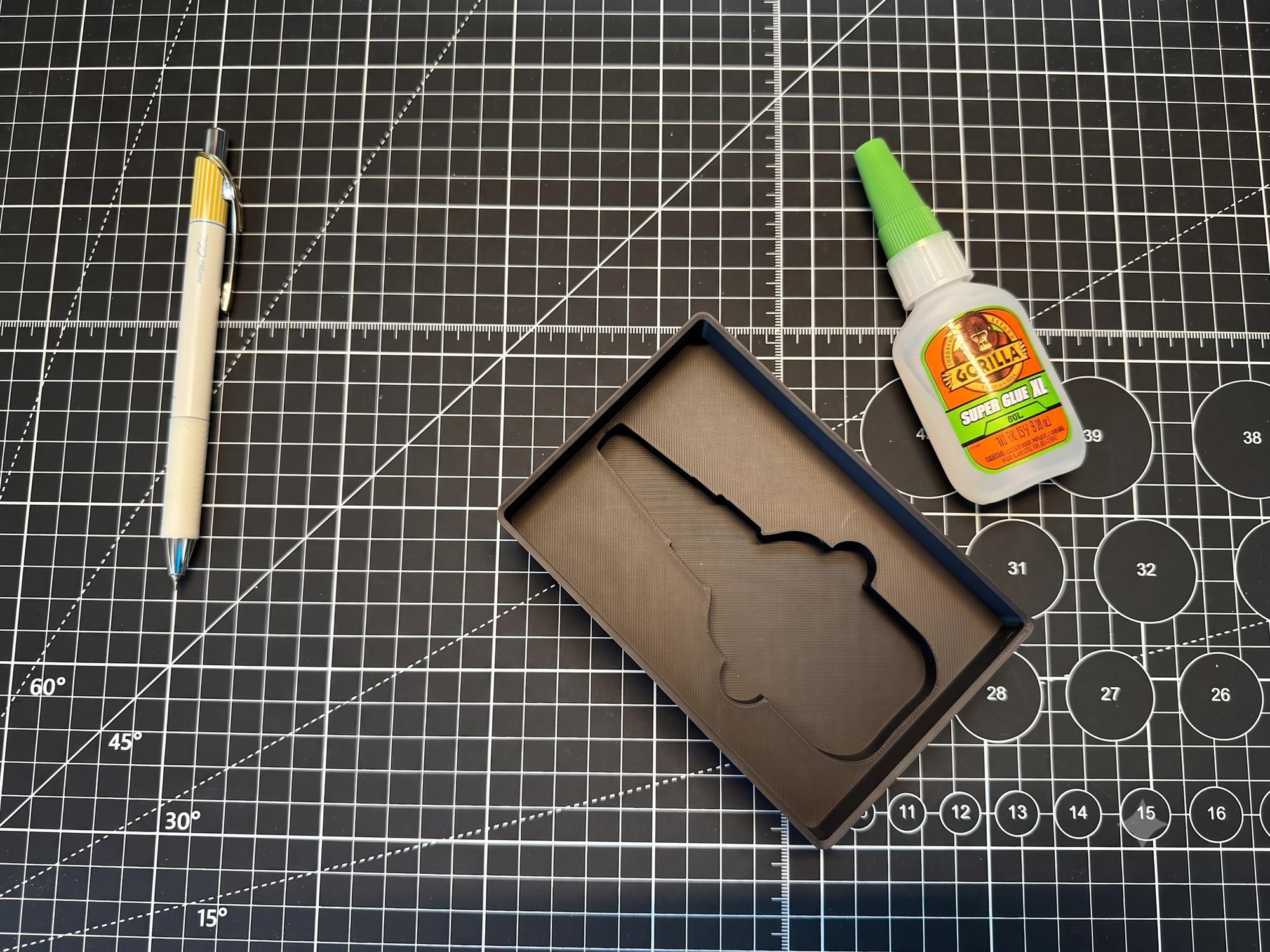
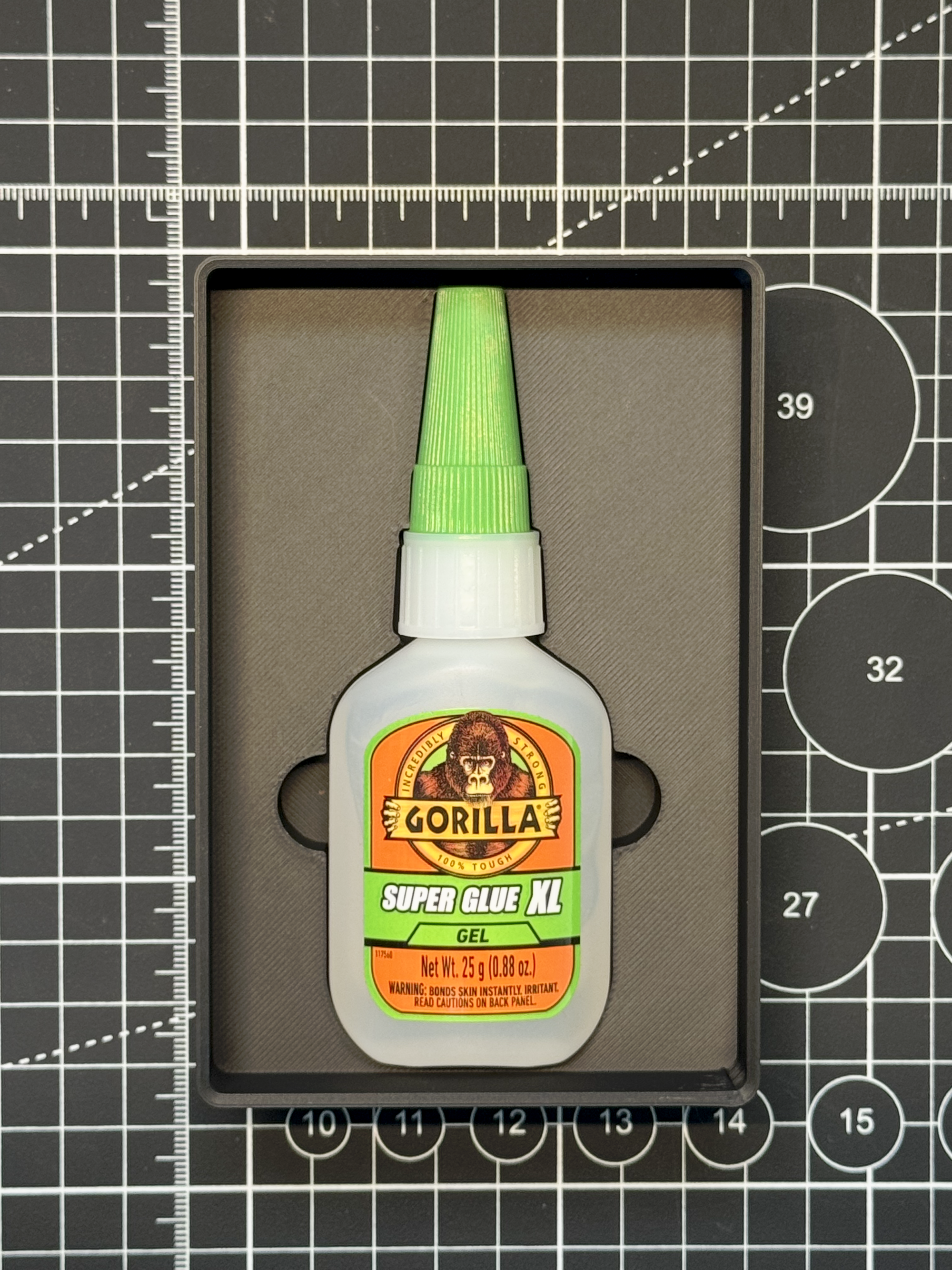
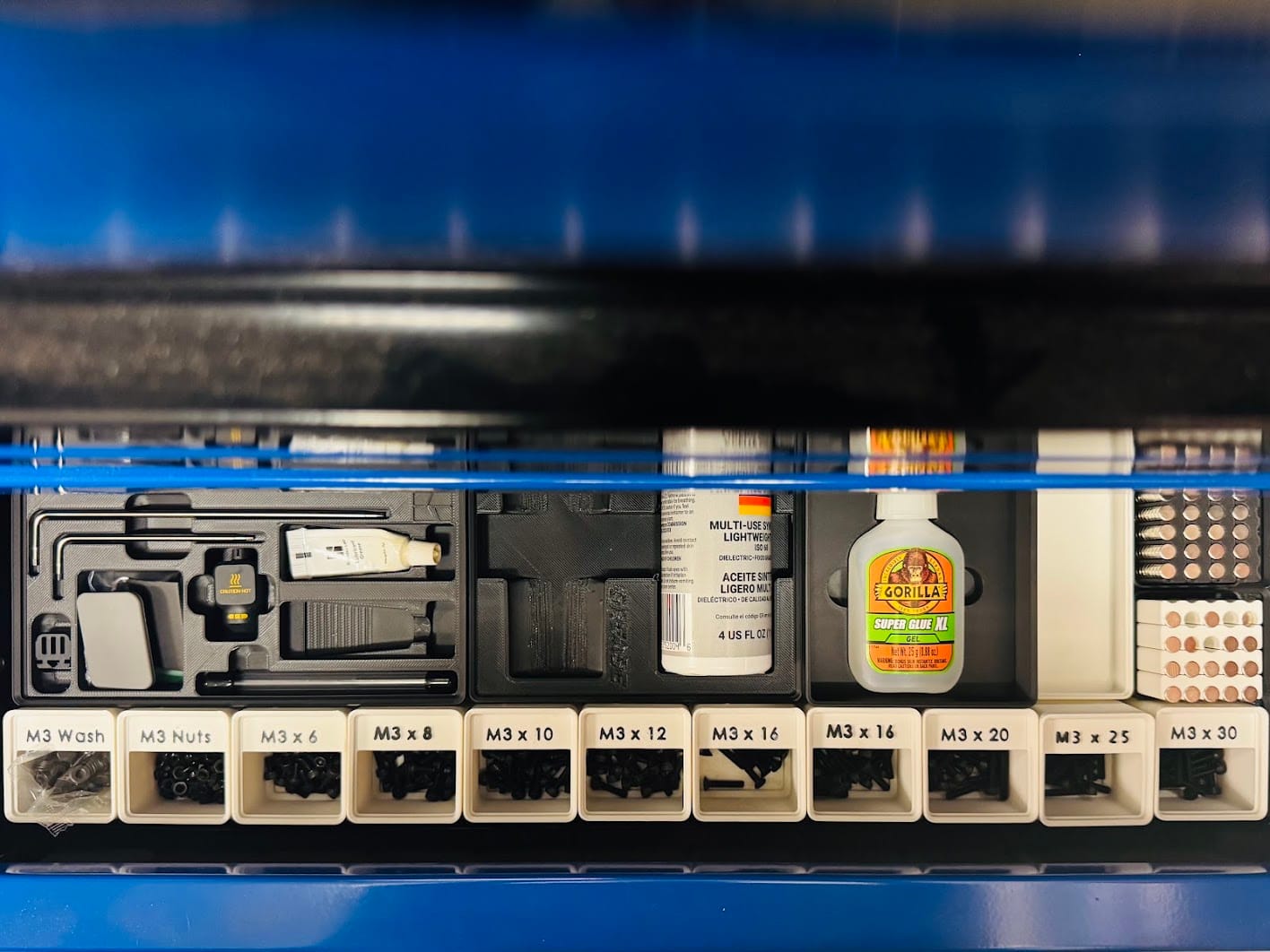
After several refinements, I got the shadowbox I wanted for my Gorilla Glue! Here are a few pictures of the result (that aren’t AI-generated).
Next Step?
I need more practice! Some of the concepts and steps were not quite automatic for me just yet. I think creating a few more shadowboxes would, hopefully, make the process more instinctive. I have a Fanttik handheld vacuum that may be a perfect candidate!